Privacy
Privacy policy
What Nivala keeps on your phone, what can leave it, who handles it, and how to delete it.
Who we are and what this covers
Nivala, also called Kya Pakayein, is made by Deeporax AI Ltd, a company registered in the United Kingdom. It decides how the data described here is used, which makes it the controller under UK data-protection law.
This policy covers the Nivala app for iOS and Android and this website. Deeporax's other apps and the Deeporax Store have their own policy at store.deeporax.com/privacy. Privacy questions go to cfaysal099@gmail.com.
What stays on your device
Nivala works out dinner on your phone wherever it can. The suggestion engine, your household, your meal diary, your dishes, your fridge and your settings live on the device. Until you add an email they stay there, with these exceptions: photos (see Photos you add and Optional AI features) and a restaurant search, which says whether your household eats halal, vegetarian or vegan (see Location).
- Reminders. Cook and prep alarms, the weekly plan, running-low items and an "any left over?" nudge after you cook are scheduled by your phone's own notification system. Nothing about them is sent to us.
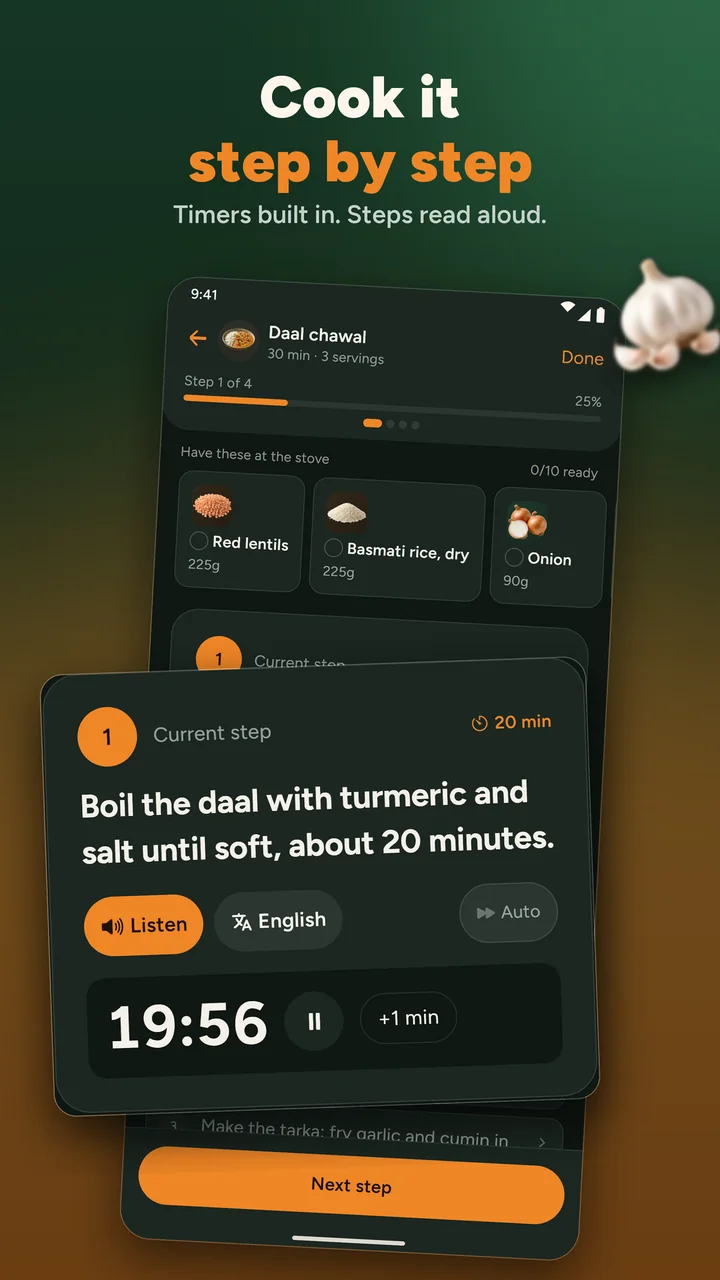
- Reading steps aloud. Cook mode uses your phone's own voice.
- The home-screen widget. If you add it, today's calories and your next picks are copied into the phone's own widget storage so the widget can show them. They never leave the phone, and Start over or Delete account empties the widget.
The anonymous sign-in ID
On first launch Nivala creates an anonymous sign-in with our database provider, Supabase: no name, no email, no password. It holds none of your household data.
It exists so a backup can be attached later. It counts how many photo recipes, photo estimates and step translations you have asked for, so the hourly limits work. And it signs restaurant searches, so only the app can use our relay.
Backup with an email (optional)
Add an email in Settings and we send you a six-digit code. Once you enter it, backup switches on and your data is saved to our database under that email. That includes:
- dietary rules, allergens, dislikes, calorie goals and religious-observance settings
- household members: the names you give them, age bands and their own rules
- your area
- the meal diary, with nutrition figures and meal photos
- your own dishes, your fridge, leftovers, favourites and plan
It stays up to date while the app is open and online. Rows are protected so only your account can read them. On a new phone, Restore your data with the same email and a fresh code brings it all back.
We never set a password. We use the address only for those codes and for replying if you write to us. There is no Apple or Google sign-in. Reminders, theme and the rating-prompt state never sync.
Why backup is off until you turn it on
Dietary rules and allergens can hint at your religion or your health. Nivala keeps them on your phone by default and only copies them to our database when you ask it to.
Location
Location is optional, and only used while the app is open: to suggest dishes common where you live, find restaurants, set your area and check the weather. Never in the background.
Coordinates go to Google Places through our own relay, to Photon (Komoot / OpenStreetMap) for address search, and to Open-Meteo for the forecast. A restaurant search also tells the relay whether your household eats halal, vegetarian or vegan, so it can ask Google for those places too. That is sent with the search, signed with your anonymous ID, and not stored. With backup on, your saved area syncs.
Photos you add
A photo on a dish you create, or on your own fridge ingredient, is uploaded to our storage on Cloudflare (R2) and processed by Cloudflare Images to remove the background. A photo on a meal you log stays on your phone unless backup is on. Then it is stored there too, so it can be restored.
Worth knowing
These photos sit at addresses that are hard to guess, are not listed anywhere and are not shown outside your household. They are not access-controlled, though, so anyone holding an exact address could open the image.
Optional AI features
Two buttons send a photo you choose to xAI, an AI provider, through our server: Estimate calories from photo (to name the dish) and Recipe from a photo (to write a recipe). The first time, the app asks your permission and names xAI. We do not store the photo. We keep a count against your anonymous ID so the hourly limit works.
Cook mode can also ask xAI to translate Nivala's own recipe steps, and no personal data is sent for that. When a scanned recipe names an ingredient we have no picture for, xAI draws one from the ingredient's name. AI-written recipes can be reported from the recipe itself.
Ads
Nivala shows banner and interstitial ads through Google AdMob. Every ad request is non-personalised. AdMob still reads your device's advertising identifier, an approximate location from your IP address and how you interact with an ad, so Google can serve and measure ads and prevent fraud. This is kept separate from your household and meal data.
In the EEA and UK, Google's consent prompt runs before any ad. Settings → Your data → About → Ad preferences reopens it.
Ratings, feedback and update checks
After real use, Nivala may show a small card offering Rate Nivala (it opens the App Store or Google Play page) and Send feedback (it opens your email app, addressed to us). Don't ask again is remembered on your device.
Each time the app starts it reads the latest version number from our database (Supabase) and compares it with yours on the phone. Nothing about you or your household is sent. Like any request, it carries your anonymous ID, and your IP address reaches the provider.
Permissions
Every permission is optional, and the app asks only when a feature needs it.
| Permission | What it is for |
|---|---|
| Location (while in use) | Regional dishes, nearby restaurants, area search and the weather. Never in the background. |
| Camera and photo library | A photo for a dish you add, a meal you log, a fridge ingredient, or Recipe from a photo. Only when you choose to take or pick one. |
| Notifications | Cook and prep alarms, weekly-plan and running-low reminders, and an "any left over?" nudge after you cook. All are scheduled on the phone. |
| Exact alarms (Android) | Lets cook alarms ring on the minute. You turn it on in your system settings. |
This website
This website uses no analytics, no advertising trackers and no tracking cookies. It loads no third-party scripts, and its fonts are served from the site itself. The Tonight picker runs in your browser and sends nothing to a server.
The only thing the site saves is your light or dark choice, in your own browser's local storage. It never leaves your browser.
Comments. A dish page has a comment form. If you use it, we receive what you type: your name, your email address, your comment and, if you choose one, a star rating from 1 to 5. Your name, comment and rating appear on the page as soon as you post (a comment with a link waits until a person has read it), and the ratings make up the average shown on that page and in its search listing. Your email address is never shown and is never sent to anyone's browser.
We use your email address only to recognise a returning commenter, and to contact you about your comment if we need to. To keep out spam we also keep a salted hash of your IP address, not the address itself, and clear it after 30 days.
A comment stays until you ask us to remove it, and comments we turn down are deleted after 90 days. To remove a comment, or to erase everything tied to your email address, email cfaysal099@gmail.com from the address you commented with and we will do it within 30 days.
Like any website, the server that sends you a page sees your IP address, the page you asked for and your browser type, and our hosting provider may keep ordinary server logs. If you email us, we receive the address you write from.
The creator programme described on the Creators page is not open, and the site collects nothing for it.
What we don't collect
A password, your contacts, your calendar, your messages, your microphone, or anything while the app is closed. There is no analytics SDK beyond ad delivery, and nothing is sold to data brokers.
Who handles data for us
These companies provide the services behind Nivala. Each sees only what its row says.
| Company | What it does for Nivala | What it can see |
|---|---|---|
| Supabase | Database, anonymous sign-in, backup, the update check and comments on this website | Your anonymous ID and, with backup on, the data listed under Backup. Your IP address, as with any request. For a website comment: the name, email address, comment and rating you send, and a salted hash of your IP address. |
| Cloudflare (R2 and Images) | Stores photos you add and removes their background | The photos on dishes and fridge ingredients, and meal photos if backup is on |
| xAI | The optional AI photo features, step translation and ingredient pictures | A photo you choose, a recipe step's text, or an ingredient's name |
| Google Places | Restaurant search, through our relay | Coordinates, and whether your household eats halal, vegetarian or vegan |
| Google AdMob | Ads | Advertising identifier, approximate location from your IP address, and how you interact with an ad |
| Komoot Photon (OpenStreetMap) | Address search | Coordinates |
| Open-Meteo | The weather forecast | Coordinates |
| Apple and Google | The App Store and Google Play pages | Their own privacy terms apply to the stores, and we do not control them |
Deleting your data
In the app, go to Settings → Delete account. You confirm, and we permanently erase the account and everything backed up under it, then clear your phone, including the home-screen widget and any pending reminders. It cannot be undone.
Without the app, email cfaysal099@gmail.com from the address on the account and ask us to delete your Nivala account. We will do it within 30 days.
Two things deletion does not reach on its own:
- Uploaded photos stay in Cloudflare storage. Email us and we will remove them.
- Our database provider may keep routine backups briefly before they roll off.
The steps are laid out on Delete your account and data.
Children
Nivala is not directed at children, and we do not knowingly collect data from under-13s. A parent may enter a child's dietary needs as a household member. It is treated like everything else here.
Your rights
You can ask us what we hold about you, ask us to correct it, export it or delete it, and ask us to stop using it in a particular way. Write to cfaysal099@gmail.com. Deleting your account from Settings is the quickest route.
If you never added an email, there is no backup to find. Your data is on your phone, and Delete account or uninstalling the app clears it.
Where UK or EU data-protection law applies, you can also complain to the Information Commissioner's Office at ico.org.uk.
Changes to this policy
We will post changes here and update the date at the top. Material changes get an email where we have one.
Contact
Privacy questions and requests: cfaysal099@gmail.com. The company behind Nivala is Deeporax AI Ltd, a company registered in the United Kingdom.
Still need something?
Questions about your data?
Write to us about anything on this page, or use one of the pages below.
For creators
Cook on YouTube? Put your video on the dish page.
Sign in with Google, tick the videos you want featured and pick the dish each one belongs to. Your channel name and a link stay on the page. You can disconnect any time and your videos disappear.

Cook it in the app
Timers, ingredients at the stove, steps read aloud
The app is coming to iPhone and Android. Until then, Tonight and every recipe page work in your browser.
- Coming soon to theApp StoreiPhone
- Coming soon to theGoogle PlayAndroid