
About Nivala
Kya pakayein? Decided.
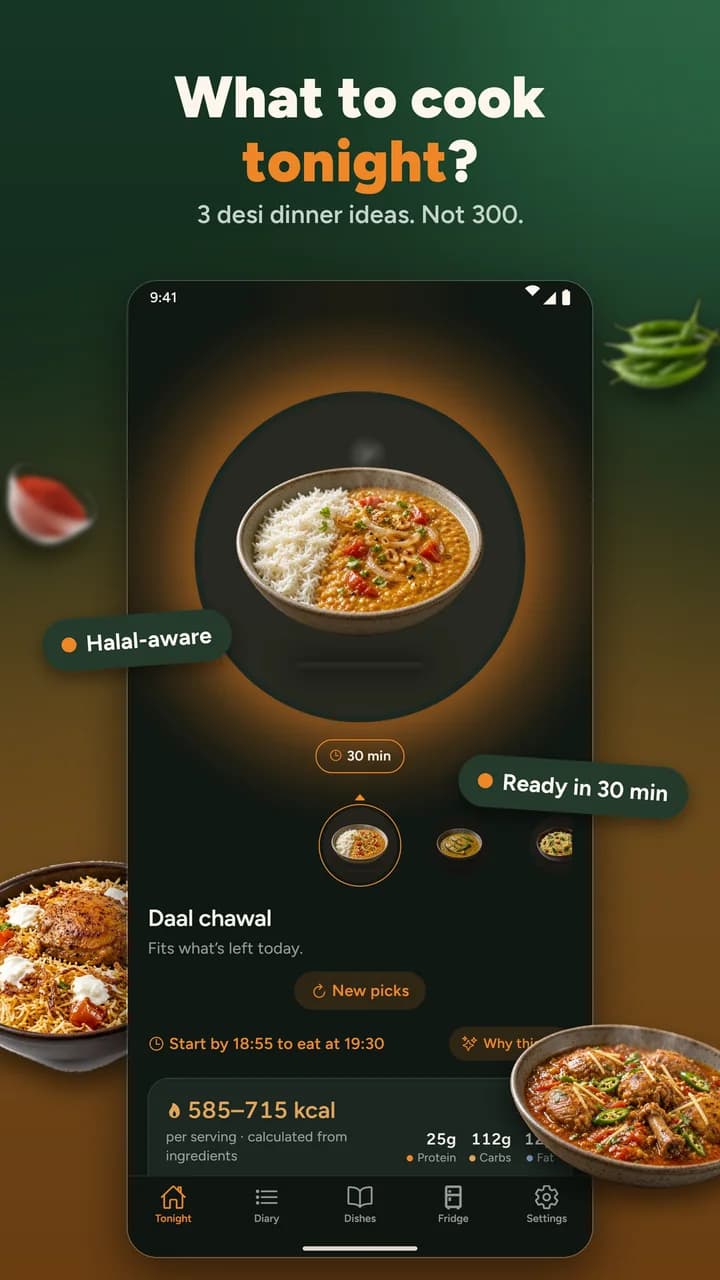
Nivala is a dinner-decision app for households where not everyone eats the same way. It does not show a feed of recipes. It picks three dinners that fit everyone in your house, tells you why, and tells you when to start so dinner is ready on time.
What does “Kya pakayein?” mean?
“Kya pakayein?” is Urdu and Hindi for “what shall we cook?”, the question a household asks every day. Nivala is built to answer it: tonight, for everyone at your table, with a reason you can check. It does not hand you a feed of recipes. It hands you three dinners that already fit.
- 230+dishes, 170+ of them Pakistani and Indian
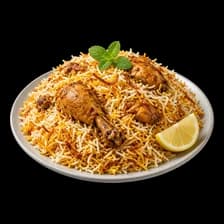
- 3dinners a day, each with its reason

- 10allergens checked, including hidden sources like cashew paste in korma

- 2halal levels: avoid haram only, or haram and doubtful

Who is Nivala for?
Households of one to eight where the rules differ: one person avoids beef, another keeps halal, someone is vegetarian, a child has a nut allergy. It is built around a Pakistani and Indian kitchen, with portions in katori and roti as well as grams.
Rules it checks, for everyone at once
- Halal
- No beef
- Vegetarian
- Eggetarian
- Vegan
- Jain
- Pescatarian
- Kosher screening
- Ten allergens
How does Nivala work?
Set your household's rules once. Each day Nivala shows three dinners that pass everyone's rules and gives a reason for each. Tap one to cook it, or swap the cards. Log what you ate, and the next picks adjust, so you do not get the same dish night after night.

Set up once
Five short steps: pick dietary rules and allergies, say who is eating and roughly how old, add your kitchen habits (skill, time on weekdays, cook or eat out), and optionally share your location.

Get three cards
Each day it picks three dishes that pass everyone's rules, usually including one familiar comfort pick. Tap one to see the reasons.
Cook or swap
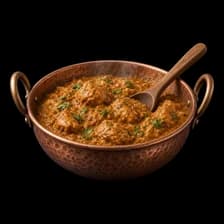
Cook this opens the recipe with a start-by time. New picks swaps the cards, and after a few swaps it asks what is wrong instead of guessing.

Log and learn
Log what you ate, or a photo, in the diary. Rotation and taste get smarter, so you do not get biryani four nights running.
What does it look like?
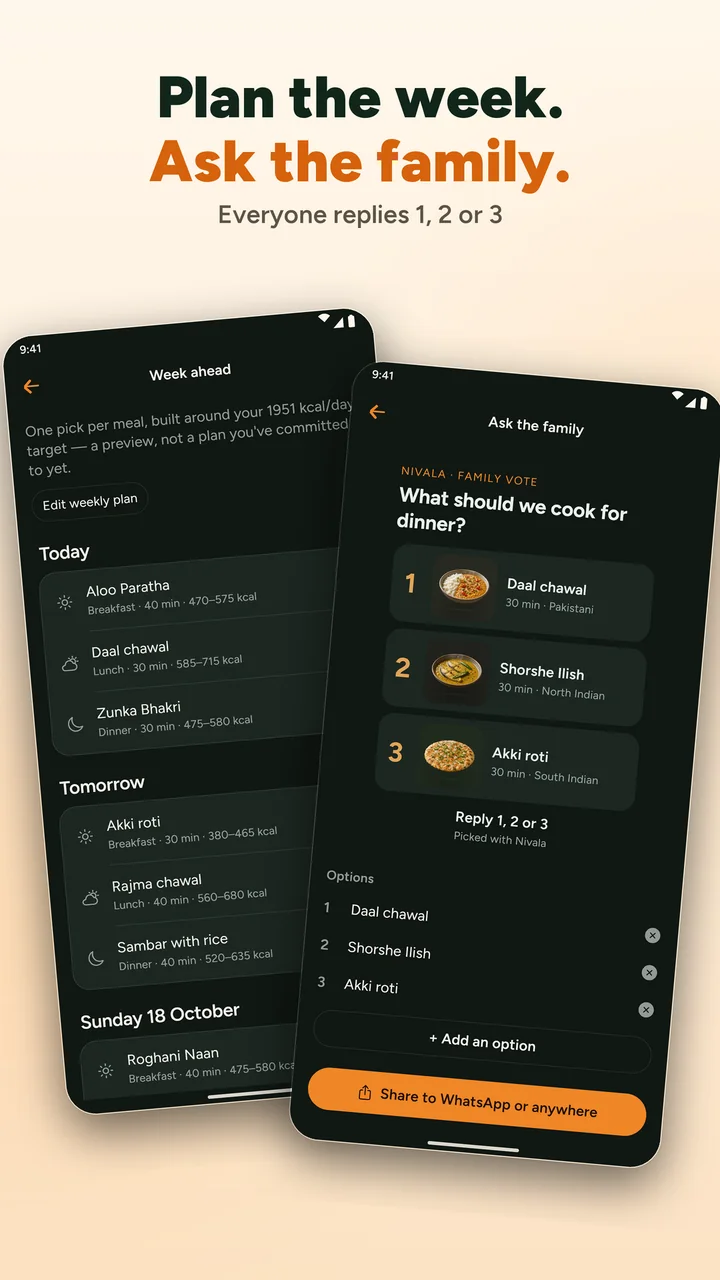
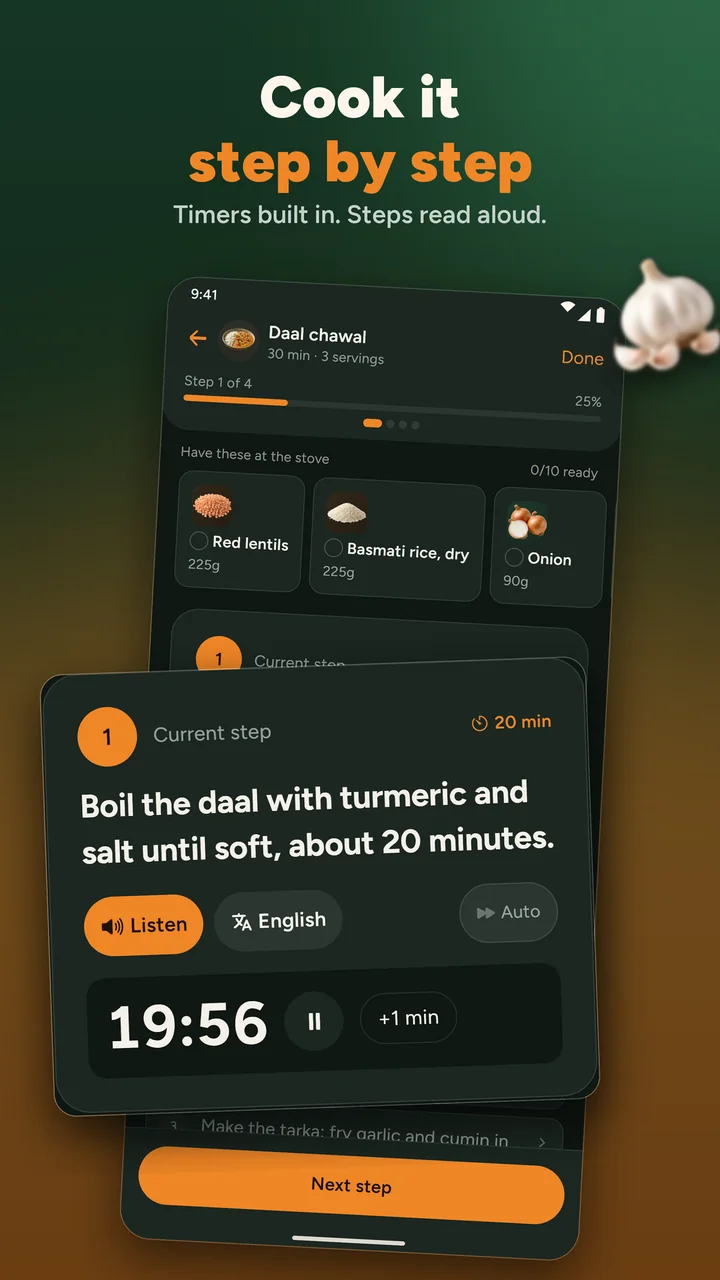
Three screens from the app: the picks with their reasons, Ask the family, and cook mode.
What can Nivala do?

Rules for everyone at once
Halal, no beef, vegetarian, eggetarian, vegan, Jain, pescatarian, kosher screening and ten allergens, applied to the whole household together.

Fails closed
An ingredient it does not recognise is never assumed safe. The dish is held back and marked uncertain.

Shows its reasons
Variety, household taste, and time and effort, each with a share of the decision.

Religious calendar
Ramadan, Navratri (vrat), Shravan, Jain, Lent Fridays and festive days change what is suggested. It asks before switching any on, never silently.
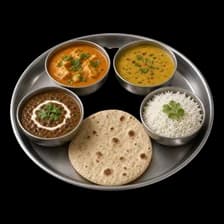
A big dish library
Pakistani, North Indian, South Indian, British, American, fast food and more. Search tolerates spelling, so “sagg”, “kadai” and “biryani” all find the right dish.
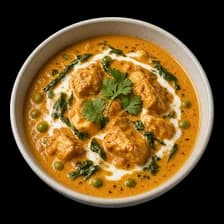
Your own dishes
Add a dish with a photo and the background is removed so it looks like the rest. Nutrition is worked out from the ingredients you list.

Eat out
Nearby restaurants from Google, filtered by your rules. Google has no halal data, so a place only counts as a halal match once you have checked it yourself. Everything else is listed as unknown, never as halal.

Meal diary and weekly report
Calories and nutrition as estimates, a week chart and monthly trends. No streaks, no badges, and nothing that rewards eating less.

Calorie goals
Daily, weekly or monthly. Unsafe targets are refused with an explanation, never quietly changed.

Fridge and leftovers
Tell it what is at home and what is left over. Cooking takes the recipe amounts off your stock, it warns before things run out, and the To buy list exports as a PDF or text.

Ask the family
Share tonight's three picks, and everyone replies 1, 2 or 3.

Cook mode
Step by step with timers, steps read aloud, and translation of the steps into other languages.
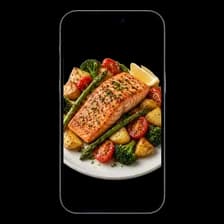
Recipe from a photo
Optional and AI-written, with your household's rules checked on the ingredients.

Works offline
The suggestion engine runs on your phone. Restaurants, weather, dish photos, backup and ads need a connection.

Email backup
Add an email, sign in with a six-digit code, and restore on a new phone. Delete the account any time from Settings.
What Nivala is not
Not a recipe feed, not a diet-tracking game, and not a religious or medical authority. It screens dishes against the rules you enter. For a strict observance or a medical allergy, confirm independently before you eat.
Who makes Nivala?
Nivala is a Deeporax app, made by Deeporax AI Ltd, a company registered in the United Kingdom. It is free for iOS and Android and supported by Google AdMob ads. Your household stays on your phone unless you choose to back it up.
Still need something?
Questions, or something wrong?
Write to us about the app, a ruling you think is wrong, or anything on this site.
For creators
Cook on YouTube? Put your video on the dish page.
Sign in with Google, tick the videos you want featured and pick the dish each one belongs to. Your channel name and a link stay on the page. You can disconnect any time and your videos disappear.
Cook it in the app
Timers, ingredients at the stove, steps read aloud
The app is coming to iPhone and Android. Until then, Tonight and every recipe page work in your browser.
- Coming soon to theApp StoreiPhone
- Coming soon to theGoogle PlayAndroid