Delete your data
Delete your Nivala account and data.
Delete from Settings in the app. If you no longer have the phone, email us from the address on the account and we will do it for you.
How do I delete my account in the app?
Open Nivala, go to Settings and tap Delete account. The app asks you to confirm, then permanently erases your account and everything backed up under it, and clears your phone, including the home-screen widget and any pending reminders. It cannot be undone.
Open Settings
Delete account is in Settings, and also under Your data.
Tap Delete account
The row says it erases your account and everything backed up with it.
Confirm
The app asks “Delete your account?” and warns that it cannot be undone. Tap Delete account to go ahead, or Cancel to stop.
If the app cannot reach our server, it says it could not delete the account and erases nothing. Try again when you are online.
What does deleting remove?
Deleting erases the account and what was backed up under it, and clears your phone. Two things it does not reach on its own: photos you uploaded, which sit in Cloudflare storage until you email us, and routine database backups, which our provider keeps briefly before they roll off.
Erased when you delete
- Your account and the email on it.
- Your household, dishes and meal history backed up with it.
- On your phone: your household, meals and settings, the home-screen widget, and any pending reminders.
Needs an email, or rolls off
- Photos you added to a dish or a fridge ingredient. They are uploaded so the background can be removed. Email us and we will remove them.
- Routine backups at our database provider, which roll off after a short time.
What if I no longer have the phone?
Email us from the address on the account and ask us to delete your Nivala account. We will delete it within 30 days. Please write from that address so we can match the request to the account. If you also uploaded photos, say so and we will remove them too.
Email a deletion requestWhat if I never added an email?
Then nothing was backed up: your household and meals are only on your phone. Delete account in Settings, or uninstalling the app, clears them. The exception is a photo you added to a dish or a fridge ingredient. It was uploaded, so ask us by email to remove it.
Still need something?
Anything else about your data?
Ask what we hold, or ask for a correction or an export.
For creators
Cook on YouTube? Put your video on the dish page.
Sign in with Google, tick the videos you want featured and pick the dish each one belongs to. Your channel name and a link stay on the page. You can disconnect any time and your videos disappear.


Cook it in the app
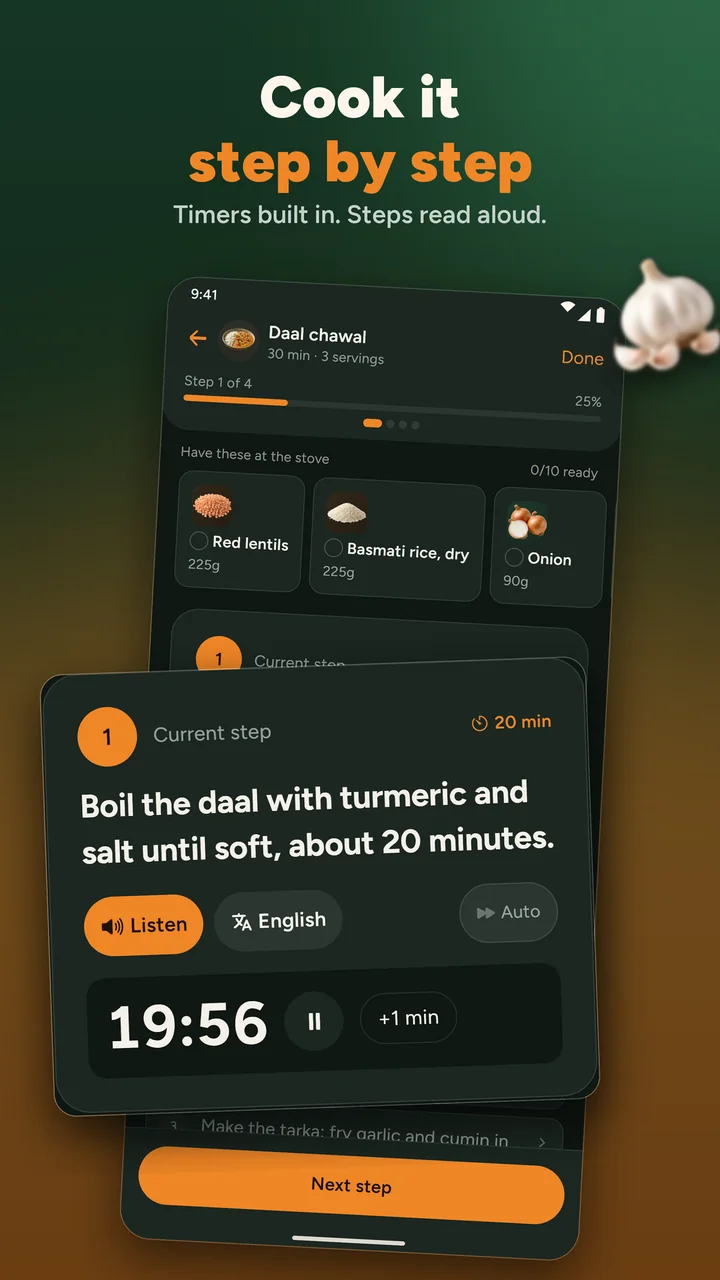
Timers, ingredients at the stove, steps read aloud
The app is coming to iPhone and Android. Until then, Tonight and every recipe page work in your browser.
- Coming soon to theApp StoreiPhone
- Coming soon to theGoogle PlayAndroid